
Details:
- Warranty
- 100%
Description
🇧🇩 𝗕𝘂𝘆 𝗔𝗽𝗽𝗹𝗲 𝗚𝗶𝗳𝘁 𝗖𝗮𝗿𝗱 𝗙𝗿𝗼𝗺 𝗕𝗮𝗻𝗴𝗹𝗮𝗱𝗲𝘀𝗵
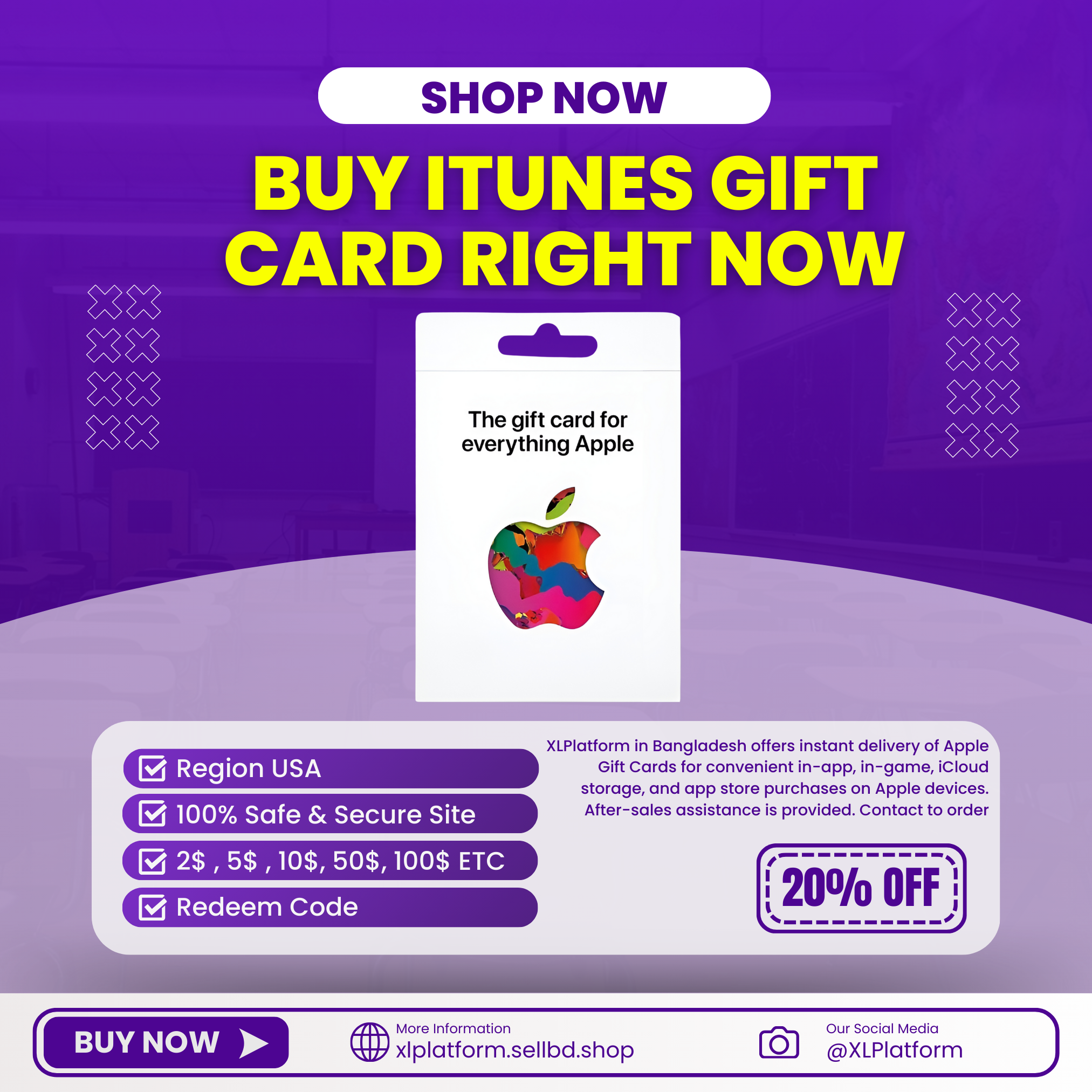
XLPlatform in Bangladesh offers instant delivery of Apple Gift Cards for convenient in-app, in-game, iCloud storage, and app store purchases on Apple devices. After-sales assistance is provided. Contact to order
With the Apple Gift Card, you can purchase products, accessories, apps, games, music, movies, TV shows, iCloud+, and more. This gift card does it all
How to redeem your Apple Gift Card (US) with your iPhone, iPad, or iPod touch?
- Retrieve the 16-digit code from your mail.
- On your iPhone, iPad, or iPod touch, open the App Store app.
- At the top of the screen, tap the sign-in button or your photo.
- Tap Redeem Gift Card or Code. If you don’t see Redeem Gift Card or Code, sign in with your Apple ID.
- Tap You can also enter your code manually, then follow the instructions on the screen.
- Tap Done.
How to redeem your Apple Gift Card (US) on your Mac?
- Retrieve the 16-digit code from your mail.
- On your iPhone, iPad, or iPod touch, open the App Store app.
- On your Mac, open the App Store.
- Click your name or the sign-in button in the sidebar.
- Click Redeem Gift Card.
- Click you can also enter your code manually, then follow the instructions on the screen.
How to redeem your Apple Gift Card (US) on a Windows PC?
- Retrieve the 16-digit code from your mail.
- Open iTunes.
- From the menu bar at the top of the iTunes window, choose Account.
- Choose Redeem.
- Sign in and follow the instructions on the screen.
Why Choose Us?
✅ Instant Delivery – Enjoy your subscription without delay.
✅ Full Warranty – Peace of mind for the entire duration.
💸 Affordable Pricing – Get premium services at an unbeatable rate.
Apple Gift Card
BDT 700BDT 800Save BDT 100
Total sold : 135
Card
Secure
Checkout
Satisfaction
Guaranteed
Privacy
Protected
Details:
- Warranty
- 100%
Description
🇧🇩 𝗕𝘂𝘆 𝗔𝗽𝗽𝗹𝗲 𝗚𝗶𝗳𝘁 𝗖𝗮𝗿𝗱 𝗙𝗿𝗼𝗺 𝗕𝗮𝗻𝗴𝗹𝗮𝗱𝗲𝘀𝗵
XLPlatform in Bangladesh offers instant delivery of Apple Gift Cards for convenient in-app, in-game, iCloud storage, and app store purchases on Apple devices. After-sales assistance is provided. Contact to order
With the Apple Gift Card, you can purchase products, accessories, apps, games, music, movies, TV shows, iCloud+, and more. This gift card does it all
How to redeem your Apple Gift Card (US) with your iPhone, iPad, or iPod touch?
- Retrieve the 16-digit code from your mail.
- On your iPhone, iPad, or iPod touch, open the App Store app.
- At the top of the screen, tap the sign-in button or your photo.
- Tap Redeem Gift Card or Code. If you don’t see Redeem Gift Card or Code, sign in with your Apple ID.
- Tap You can also enter your code manually, then follow the instructions on the screen.
- Tap Done.
How to redeem your Apple Gift Card (US) on your Mac?
- Retrieve the 16-digit code from your mail.
- On your iPhone, iPad, or iPod touch, open the App Store app.
- On your Mac, open the App Store.
- Click your name or the sign-in button in the sidebar.
- Click Redeem Gift Card.
- Click you can also enter your code manually, then follow the instructions on the screen.
How to redeem your Apple Gift Card (US) on a Windows PC?
- Retrieve the 16-digit code from your mail.
- Open iTunes.
- From the menu bar at the top of the iTunes window, choose Account.
- Choose Redeem.
- Sign in and follow the instructions on the screen.
Why Choose Us?
✅ Instant Delivery – Enjoy your subscription without delay.
✅ Full Warranty – Peace of mind for the entire duration.
💸 Affordable Pricing – Get premium services at an unbeatable rate.